Redesign your room.
Keep your walls.
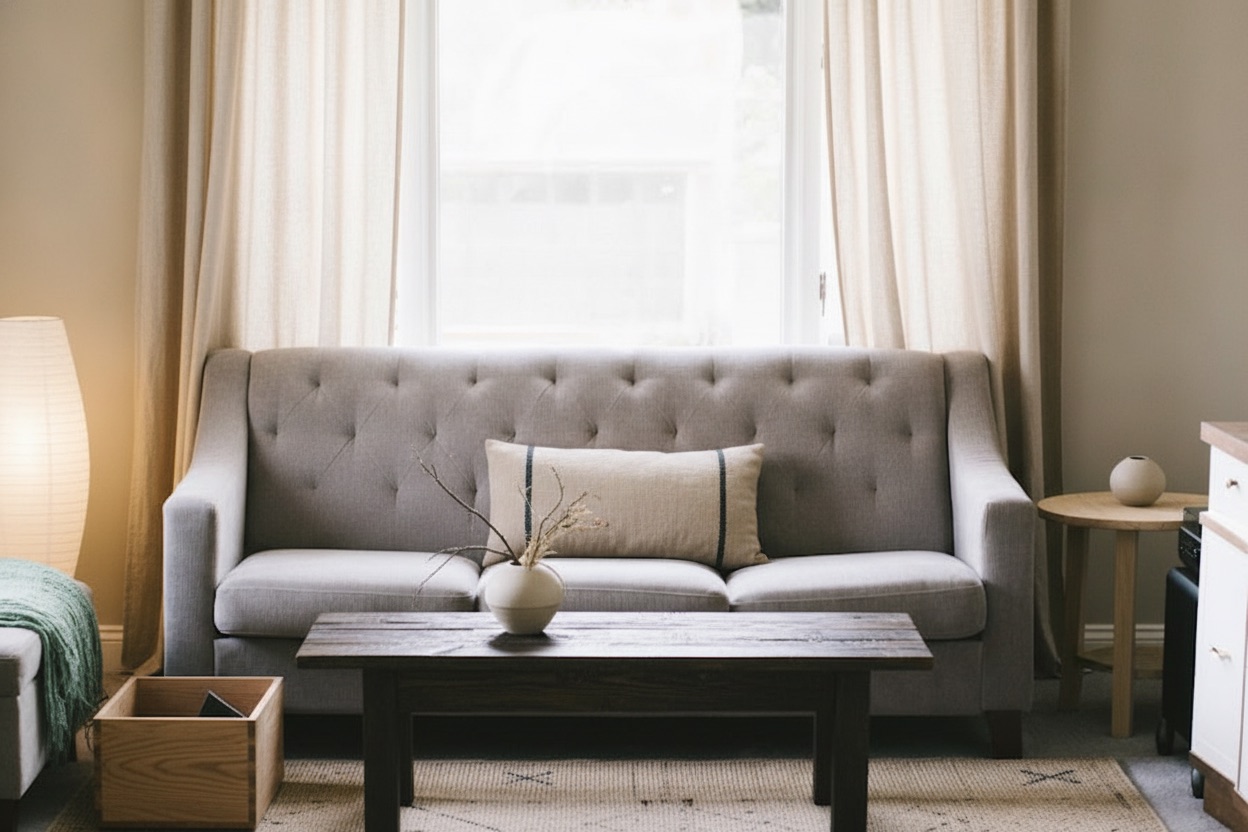
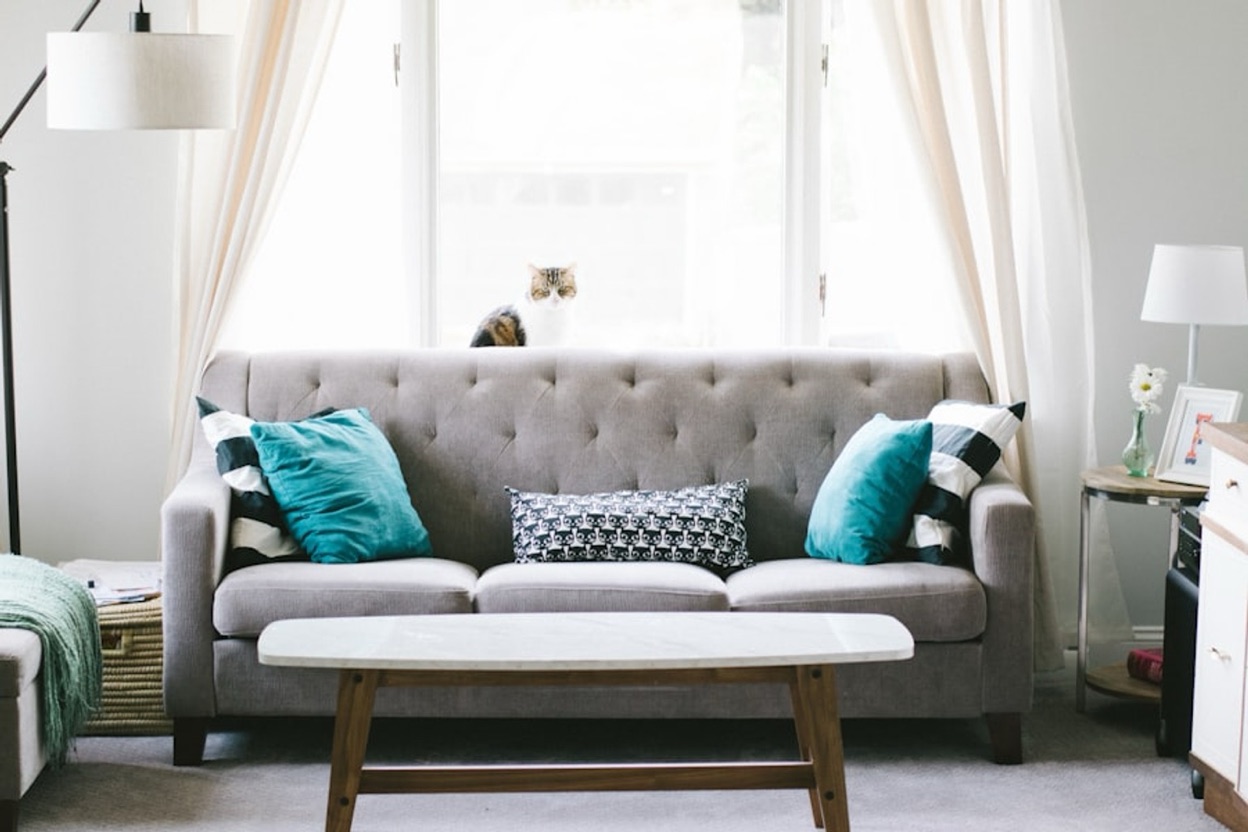
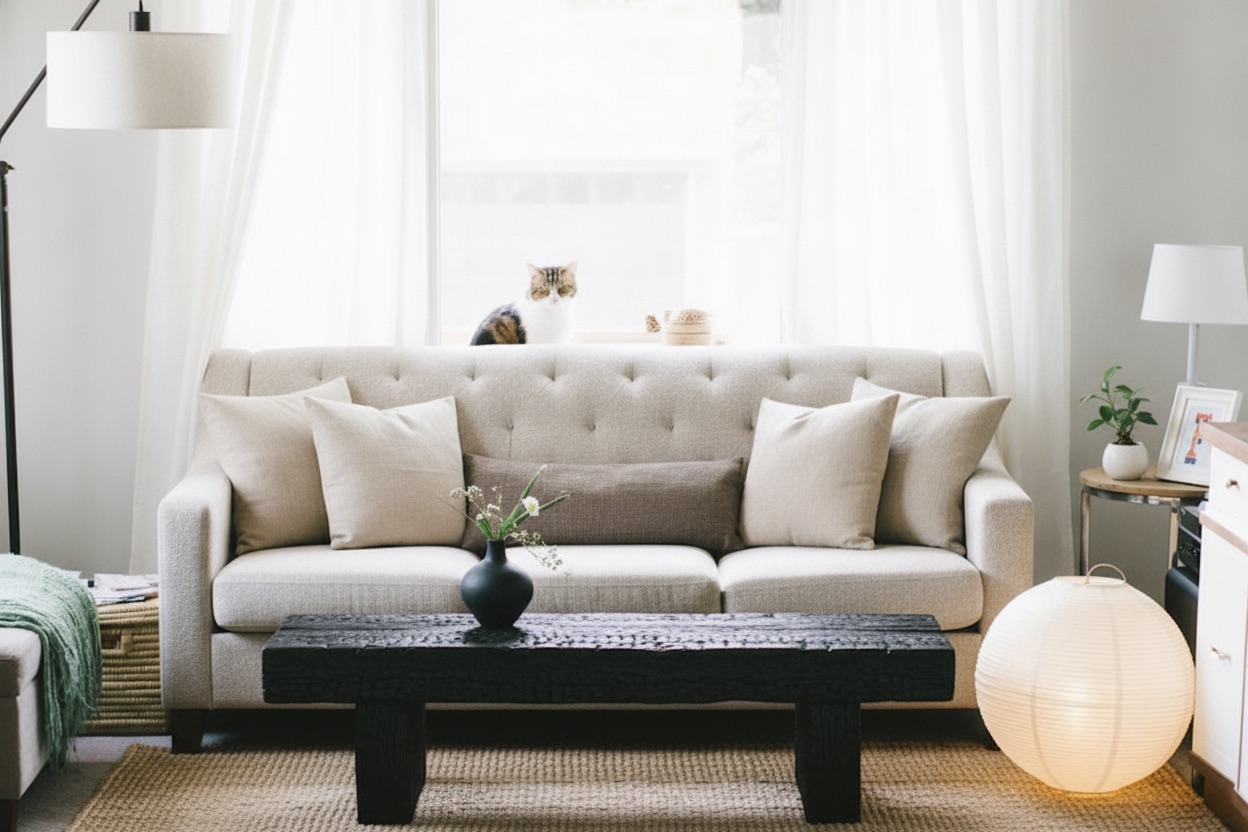
Take a photo of any room, pick a style, and Roomly redesigns the space you actually live in. Same walls, same windows, same doors. New everything else.
How it works
Three steps from photo to redesign
- 1
Add a photo
Snap your room with the camera or pick a photo you already have.
- 2
Choose the room
Living room, bedroom, kitchen, office, facade or garden. Roomly adapts to the space.
- 3
Pick a style
Choose from 51 styles and how much should change, from a light refresh to a full redesign.
- ✓
Get your redesign
Compare before and after, save it to your creations and share it.
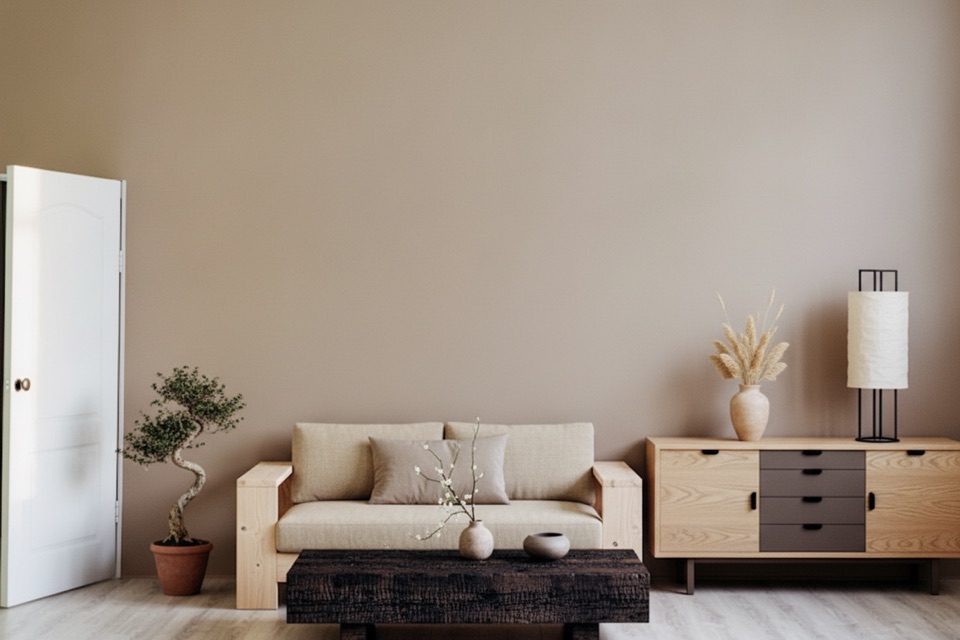
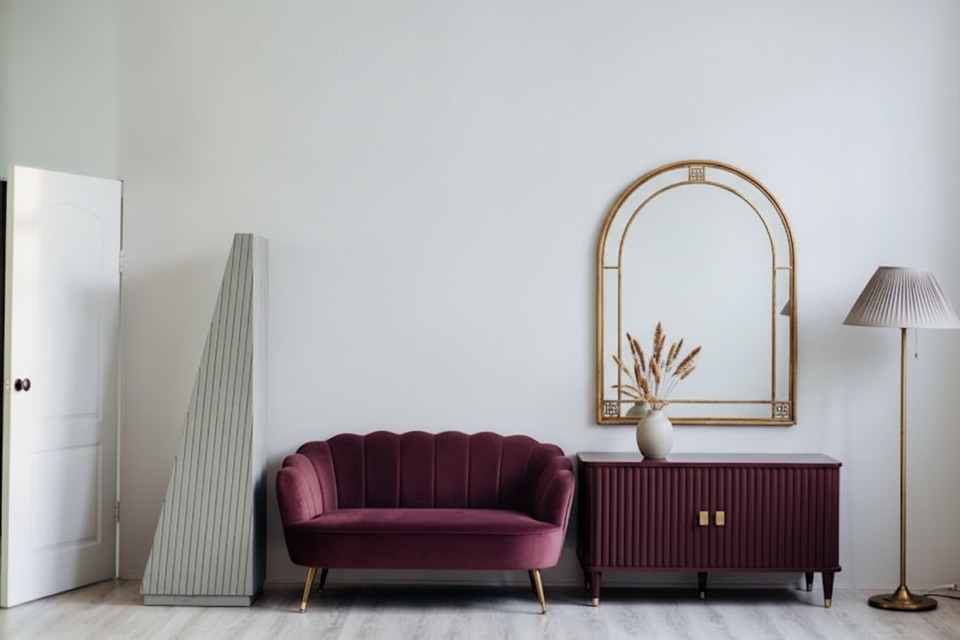
Your room, not a stock photo
One room. Every style.
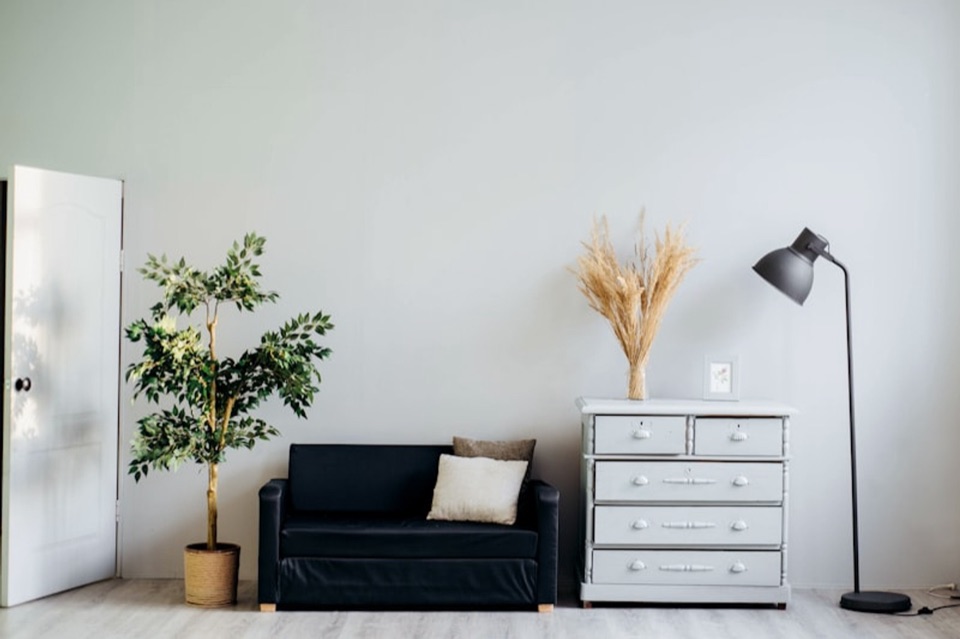
Most AI design apps invent a new room. Roomly checks every redesign against your photo, so the walls, windows and doors stay where they are.
Features
Nine ways to reimagine a space
Start from a full redesign or change one thing at a time.
Interior design
Upload a photo, choose a style and let AI redesign the whole room.
Layout boost
See your space with a smarter furniture layout.
Exterior design
Snap your home, pick a look and see the facade restyled.
Garden design
Give your garden or patio a new look in the style you love.
Clear the clutter
Brush over anything you want gone and the room fills back in behind it.
Copy a look you love
Add an inspiration photo and bring its palette and materials into your room.
Swap one thing
Brush a piece of furniture and describe what should be there instead.
Try a paint colour
Pick a wall and a colour. The real texture and light stay intact.
Change the floor
Shift the floor's tone without touching anything else in the room.
Styles
51 styles to try on your own home
From calm Japandi to bold Maximalist, every style is applied to your room, not a showroom.
 Modern
 Minimalist
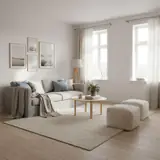 Scandinavian
 Japandi
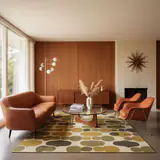 Mid-Century Modern
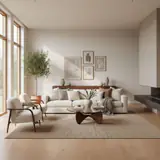 Contemporary
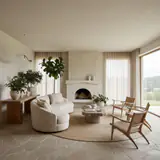 Organic Modern
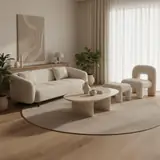 Warm Minimalist
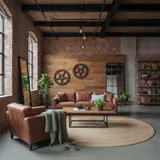 Industrial
 Industrial Chic
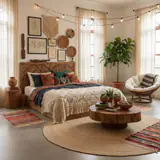 Bohemian
 Coastal
 Coastal Grandmother
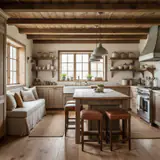 Farmhouse
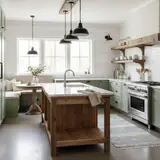 Modern Farmhouse
 Transitional
 Transitional Glam
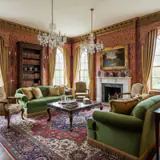 Traditional
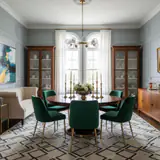 Neo-Traditional
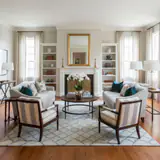 New Traditional
 Rustic
 Cabin
Cabin Mediterranean
 Tuscan
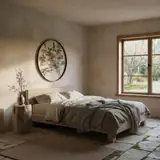 Wabi-Sabi
 Asian Zen
 Maximalist
 Eclectic
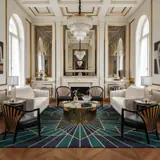 Art Deco
 Art Nouveau
 Hollywood Regency
 Modern Glam
 Luxe Modern
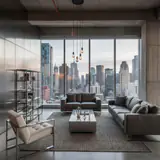 Urban Modern
 High-Tech
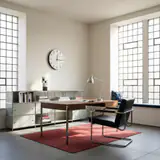 Bauhaus
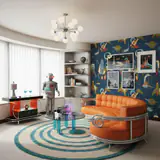 Retrofuturism
 Cottagecore
 Grandmillennial
 Shabby Chic
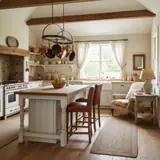 Country
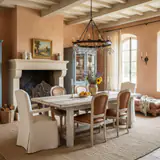 French Country
 European Classic
 Victorian
 Gothic
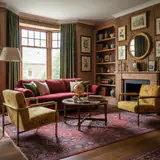 Vintage
 Moroccan
 Arabic
 Global
 Southwestern
 Tropical
 Modern
 Modern Farmhouse
 Mediterranean
 Craftsman
 Scandinavian
 Colonial
 Tudor
Tudor Spanish Revival
 Japanese
 Industrial
 Tropical
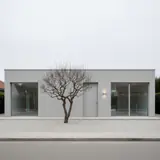 Minimalist
 Coastal
 Mid-Century Modern
 Contemporary
 Traditional
 Victorian
 Desert
 English Garden
Why Roomly
Built around the room you already have
Your walls stay put
Every redesign is checked against your photo before you see it, so windows and doors never move.
Keep what you love
Choose how much changes, from a light refresh to a full redesign, or edit one object at a time.
Fair by design
You always see the cost before you start, and a design that fails never uses a credit.
Your creations, saved
Every design lands in your gallery, ready to compare, revisit and share.
FAQ
Questions, answered
What is Roomly?
Roomly is an AI interior design app for iPhone and Android. You photograph a room, choose a style, and Roomly returns a redesigned photo of that same room.
Will the redesign still look like my room?
Yes. Roomly keeps the architecture of your photo: walls, windows and doors stay where they are, and every result is checked against your original before it reaches you.
Which rooms can I redesign?
Living rooms, bedrooms, kitchens, bathrooms, offices and more, plus house exteriors and gardens.
How many styles are there?
26, including Japandi, Scandinavian, Mid-Century, Industrial, Coastal, Bohemian and Neo Deco.
Can I change just one thing?
Yes. You can repaint a wall, change the floor tone, remove clutter or swap a single piece of furniture without redesigning the whole room.
Is Roomly free?
Roomly is free to download. Some designs need a subscription or credits, and the app always shows the cost before you start. A design that fails never uses a credit.
What happens to my photos?
Your photos are used only to create your designs, and they are stored in a private gallery tied to your account.
Is there a web version?
Not yet. Roomly is available on the App Store and Google Play.
See your room in a new light
Download Roomly and redesign your first room in minutes.